
How do I change a category?
Mihkel Vetemaa
Updated
Here’s how you can edit the transaction category.
-
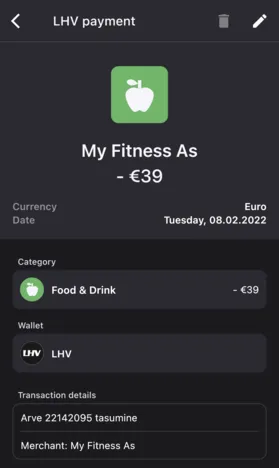
Find the transaction you want to change and tap on it.
-
Tap the edit button on the top right.
-
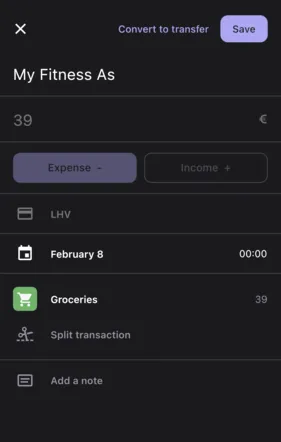
Tap on the category icon and select the new category.
-
If you have chosen suitable category then press save.
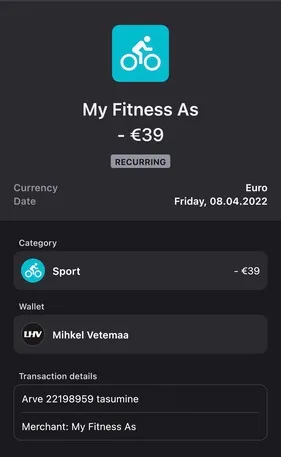
If you want to split the transaction into multiple categories then check out this article.
New to Bilance?
Connect your banks and let the app do the categorizing — set up in about 2 minutes.