
Your European bank accounts,
inside Claude
Bilance connects your banks, cleans and categorises the data, detects subscriptions and keeps the sync working. You just ask.
Works with Claude, ChatGPT, Codex and Gemini CLI
Already use Bilance? Paste this into your AI app:
Example numbers. The forecast is made by your AI app, not by Bilance. Not financial advice.
Ask what your bank app can't answer.
Your AI answers from all your banks at once, with every transaction already cleaned and categorised by Bilance.
All your bank accounts, in your AI.
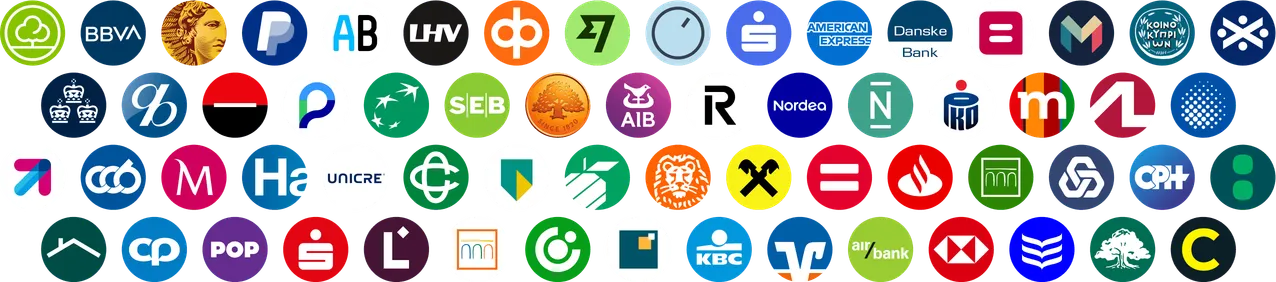
2,300+ bank connections across Europe
Connect in three steps.
Get the Bilance app
Start your trial on iOS or Android. The subscription runs through the App Store or Google Play, so this step happens on your phone.

Connect your banks
Add your accounts from banks across Europe, in the app or on the web.
 Revolut
 ING
 Wise
Connect your AI app
Paste this prompt into your AI app, sign in to Bilance and start asking. Step-by-step for each AI app.
Or add the server address yourself: https://mcp.bilanceapp.com/mcp
What your AI can do.
Your AI app picks the right tool from what you ask.
See accounts and net worth
Every account and balance from all your banks, in one place.
get_net_worth()
Search and export transactions
Filter by date, category, account, tag or amount. Export as CSV.
summarize_finances()
Subscriptions and budgets
Recurring payments Bilance has detected, and how your budgets are going.
get_budgets()
Refresh bank data
Ask for fresh data from your banks before a question that needs it.
Tidy up your data
Recategorise transactions, add tags and notes, mark recurring payments.
create_tag(…)
Set up budgets and categories
Let your AI create a budget or a category from the conversation.
create_category(…)
You stay in control.
You see what you allow
You sign in with your own Bilance account and see exactly what you are allowing before it happens.
It cannot move money
Your AI app works with your Bilance data. It has no access to payments at your bank and never sees your password.
Disconnect any time
Settings → Connected AI apps lists every connected app and when it last used your data. Disconnect with one tap.
The AI app receives the answers to the questions you ask and handles them under its own terms and privacy policy, which may be outside the EEA. Connect apps you trust.
Frequently asked questions
Which AI apps work?
Claude (web, desktop and Claude Code), ChatGPT in developer mode, Codex and Gemini CLI. Any app that supports remote MCP servers with sign-in works the same way.
Which banks are supported?
More than 2,300 bank connections across Europe. See the bank list by country.
Do I need the Bilance app?
Yes, to start. Bilance begins with a trial and continues as a subscription through the App Store or Google Play. After that you can do everything from your desktop.
Can my AI app move money?
No.
Can my AI app change my data?
Yes. It can recategorise transactions and set up tags, budgets and categories. You can switch this off for any app under Settings → Connected AI apps.
How do I disconnect an AI app?
In the Bilance app, open Settings → Connected AI apps and choose Disconnect.
Not using Bilance yet?
Scan the code to get the app on iOS or Android. Trusted by more than 150,000 Europeans.